
How to Search the East Mountain Court Docket
Start at the official East Mountain court page. It posts the clerk's contact details, the plea choices, the wait before a citation appears, the calendar route, and the warning about missing court. Tyler UCMS is not the first stop here.
- Read the court name and copy the citation number, charge, and response date.
- Wait the stated 48 hours before calling about a new East Mountain citation.
- Check the official city calendar, then call 903-297-6041 to confirm the case setting.
- Use only the current plea and payment instructions confirmed by the clerk.
- If another court is named, contact that court rather than East Mountain.
A blank calendar does not erase a ticket. Keep the paper citation handy and ask the city clerk what the docket shows today.
East Mountain Waits Forty-Eight Hours
Give the system 48 hours. East Mountain asks anyone cited to wait that long before calling the court, because the citation needs time to move into the municipal system. The wait does not push back the response date printed on the ticket. Nor does it apply to a case another court holds.
Missing new citation? Preserve the ticket, wait the local entry period, and then call with the citation number and scheduled date.
A waiting period that runs out on a Friday needs a little planning. The clerk's office shuts its doors that day, so any visit or call has to wait for the Monday-through-Thursday schedule.
The East Mountain Municipal Court
East Mountain Municipal Court sits inside City Hall. The address is 103 Municipal Drive, Gilmer, Texas 75645. Phone is 903-297-6041, fax is 903-297-4346, and email is court.clerk@eastmountaintx.gov. The city page lists Linda Bridges as clerk and Donna Blalock as judge. Clerk hours run Monday through Thursday, 8:00 a.m. to 4:30 p.m. Friday is closed. The court's work covers municipal ordinance and Class C misdemeanor matters. District, County Court, probate, and JP dockets are kept elsewhere.
East Mountain Municipal Court
103 Municipal Drive
Gilmer, Texas 75645
903-297-6041
court.clerk@eastmountaintx.gov
Fax: 903-297-4346
East Mountain Clerk and Judge
Knowing who holds the clerk and judge titles in East Mountain helps you route a request. It also helps you name the municipal judge in a letter. Those labels say nothing about parties in a case. Staff listings shift over time, so rely on the linked official page when the name must be current. Authority to act is narrower than access to records. Under the posted East Mountain instruction, only the person named on the citation may enter a plea or discuss the case. A licensed attorney with a letter may do so as well. A friend or relative cannot get around that by citing the case number. When you request a public document, describe the document itself. Do not ask anyone to plead for someone else.
East Mountain Court Dates and Settings
East Mountain points users to the city calendar for court dates and to the clerk for case confirmation. A calendar entry only shows that a session is planned. Whether your specific matter is set for that session comes from the docket or the citation itself.
| Date | The event date printed on the citation or confirmed through the city calendar and clerk. |
|---|---|
| Time | The assigned appearance time, not general clerk hours. |
| Location | The court place named on the current notice. |
| Judge | The judicial officer assigned to the event, if shown. |
| Setting type | An appearance, plea, pretrial, trial, or compliance event. |
A reset simply moves the date forward. It is not a dismissal, so confirm the newest East Mountain entry whenever two dates show up.
East Mountain Calendar Checks
Treat the city calendar as a session guide first. Then compare it against the citation. If a date is missing, call the clerk once the 48-hour entry period has passed, and give the citation number rather than asking about every case set that day.
- Open the calendar linked by the East Mountain court.
- Locate the month and court date printed on the citation.
- Call during clerk hours to verify that the individual case is on that setting.
- Record any new date, time, or instruction and ask how it will appear on the docket.
Keep the citation and any written reset. Calendars can change, and a general calendar is not a certified record.
East Mountain Traffic Tickets
East Mountain lists four ways to answer a ticket: no contest with defensive driving, guilty, no contest, and not guilty. Each carries a different effect. Defensive driving is a requested option with strings attached. Guilty and no contest are pleas, while not guilty contests the charge and sends the matter into a court process.
| East Mountain choice | Meaning | Confirm on docket |
|---|---|---|
| No contest with defensive driving | Requests a compliance option | Approval and proof deadline |
| Guilty | Accepts the charge | Plea, judgment, and amount |
| No contest | Does not contest the charge | Plea and resulting order |
| Not guilty | Contests the charge | Trial or pretrial setting |
Ask the clerk which form and terms currently apply before choosing. For citations held by other county courts, the Upshur traffic court overview is the place to look.
East Mountain Payment Rules Conflict
Here is the snag. The East Mountain court notice says no credit cards or checks. Other city payment language permits cash, check, or money order. That conflict makes a direct clerk check necessary. Never assume a method one city office takes is good at the court. Before any payment, confirm the amount, the method, the deadline, and the plea effect. Then hold on to the receipt and check the East Mountain docket entry that follows. A transaction notice alone may not show that every case term was satisfied. Note: East Mountain payment instructions conflict across official city materials. Confirm with the court before paying anything.
Where East Mountain Cases End Up
City Class C and ordinance matters stay with East Mountain Municipal Court. The four Upshur Justice of the Peace courts each keep their own citation and lower civil records. The County Clerk holds County Court and probate records. The District Clerk serves the 115th District Court. That office keeps felony, major civil, family, juvenile, tax, and related files.
Docket flow: East Mountain Municipal Court › Upshur County Courts › 115th District Court of Texas
That breakdown describes court levels, not a path every East Mountain case travels. Read the court named on the source record and follow that court's clerk.
East Mountain and JP Dockets
A city traffic ticket and a JP citation can look nearly identical yet sit in different offices. East Mountain holds the city docket, while each named justice precinct keeps its own. Do not assume the county's citation portal includes every city case either.
| Feature | East Mountain court | Upshur JP court |
|---|---|---|
| Jurisdiction clue | City ordinance or municipal Class C case | Precinct Class C or other JP matter |
| Custodian | East Mountain clerk | Named JP clerk |
| Search key | City citation number | JP case or citation number |
| First route | City page, calendar, and phone | Official precinct page and clerk |
If a search result labels the case above the city tier, the Upshur County case-search map points the way.
East Mountain Failure to Appear
Skip a court date in East Mountain and trouble can stack up fast. The city says a failure to appear may bring a second citation, a warrant, and a hold on driver-license renewal. That list is a warning, though, not a record of what happened. Only the docket and the clerk can confirm which entries a case actually has.
- Call the East Mountain clerk and identify the citation and missed date.
- Ask whether a new setting, warrant, additional citation, or hold is recorded.
- Follow the court’s current instructions for appearance or response.
- After acting, confirm that the resulting order or recall appears in the record.
A blank online search proves nothing. Treat the paper citation and the clerk's record as the real sources when a setting slips by.
East Mountain Docket Event Meanings
One case gathers many short labels. Read them in order, because the sequence tells the story.
- Citation
- The charging document that starts the East Mountain municipal matter.
- Setting
- A date and time scheduled by the court.
- Failure to appear
- A recorded failure to attend or respond as required.
- Warrant
- A court command that may follow; it is not the disposition.
- Disposition
- The recorded way the case concluded.
A warrant notice is just one event in a case file. It is not the final word on the outcome.
East Mountain Court Scale
East Mountain counted 899 residents in the 2020 Census. The official Census P1 result holds that figure. Small as it is, the city runs a direct clerk, a four-day office week, and its own municipal calendar, so access stays personal.
That direct setup rewards planning ahead. With the office closed Friday, a rushed question may arrive too late for a deadline.
East Mountain Friday Planning
The clerk answers Monday through Thursday. Friday the office sits closed. A cited person should count out the 48-hour entry period carefully. The response date deserves the same care. When a ticket arrives late in the week, keep the paper safe. Call at the first chance; never assume the deadline slides. Email and fax give you written channels. Before using them, ask whether the court takes that kind of filing and how receipt gets confirmed. A message alone puts no approved plea, reset, or extension on the East Mountain docket.
Public Access to East Mountain Court Records
To pull a public East Mountain docket or document, give the clerk the citation number, the name, and a rough date. Name the item you want, whether a setting, plea entry, order, or disposition, instead of asking vaguely for the "record." Sealed files, juvenile matters, and sensitive details stay off limits.
Key rules:
Texas judicial open-records policy describes access through the proper judicial-record custodian.
Texas Government Code Chapter 552 gives the wider public-information framework and judiciary distinction.
Texas Rule 21c protects sensitive data in court filings.
Ask for current fees and whether a plain or certified copy meets the need.
East Mountain Court Source View
The official East Mountain court page spells out the local clerk contact, the citation wait, the plea choices, and the failure-to-appear notice.
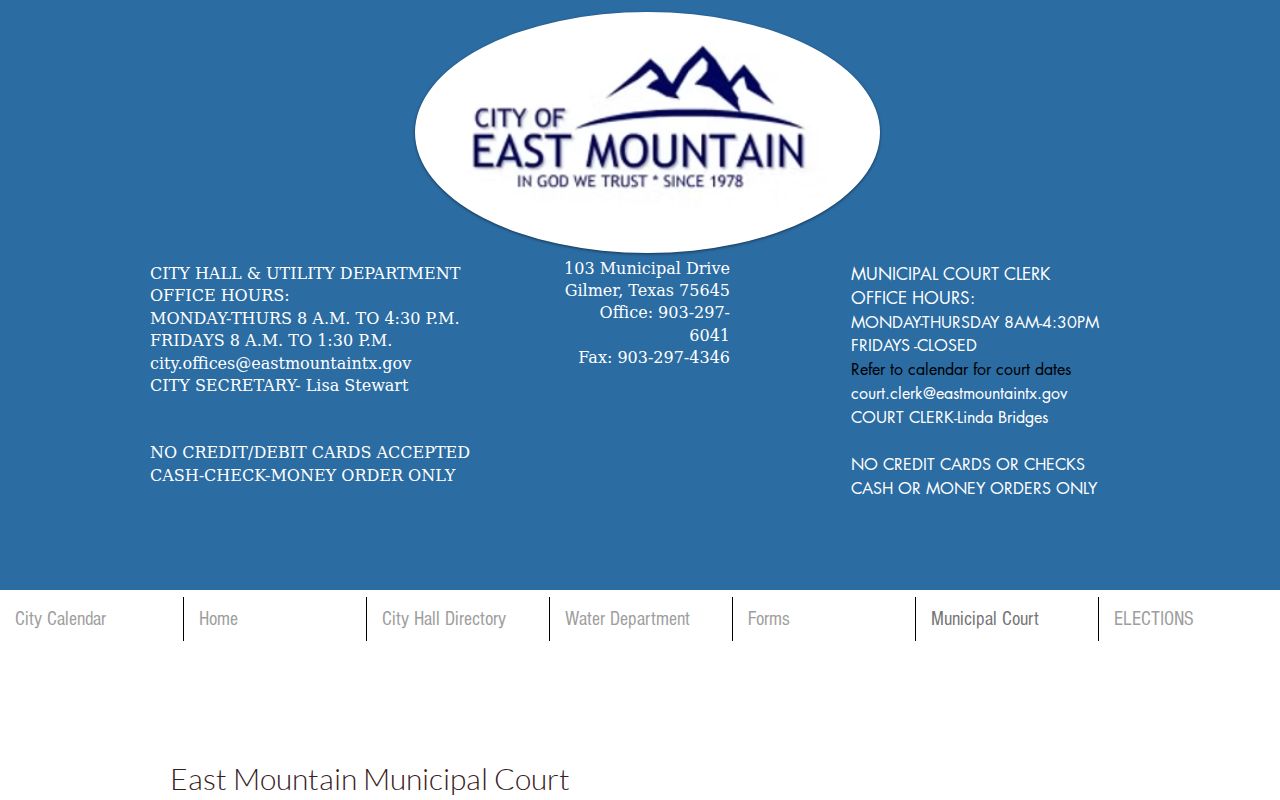
That page can change. Verify staff, hours, payment steps, and the city calendar on the linked live version.
East Mountain Record Request Fields
A strong request lists the citation number and the party's name as printed. It should also give an approximate date and the exact public item you want. Ask for the docket when tracing events. Ask for a named order or disposition when the wording itself matters. Email and fax work as contacts. But confirm the clerk accepts a request sent that way. A sent message proves neither receipt nor authority for anyone to plead the case. Also ask whether a plain or certified copy fits your need. Get the current fee too. No single turnaround time applies everywhere. Restricted information may be withheld or redacted.
East Mountain Status Follow-Through
Once you plead, pay, ask for defensive driving, or answer for a missed date, check what the East Mountain docket now shows. Have the citation number and the submission date handy. A receipt or email marks a step, not the result. Verify the next setting with the East Mountain clerk and the city calendar. A warrant, a new citation, or a renewal hold may be in play. Ask which event was entered. Keep every notice in date order so conflicts are easy to sort out.